
What a provider network does
How your network, its providers and its clients fit together: a patient's path to a prescription, primary vs additional network, async, sync and on-demand visits, and who handles what.

A provider network supplies the licensed clinicians; clients sell care to patients and send you the clinical work. Left menu → Clients lists every client you serve. Provider Network Admin, Provider and Provider Delegate.
What you can do here
- Follow a patient from purchase to prescription
- Tell whether you're a client's primary network
- Know which visit type a patient gets
- Send a question to the right team
Follow a patient from purchase to prescription
Use this to explain where a patient is.
The patient buys from a client
Patients belong to the client (an online brand or a clinic). They buy a product built on one of your protocols.
The gates clear
Payment, intake forms, labs and, when needed, a booked time. Until then the order waits in Orders.
A provider picks it up
Reviews land in Visits (ASYNC); booked visits in Visits (SYNC). The provider charts, records Approve, Deny or Defer, and prescribes.
The pharmacy fills it
The script (Rx) goes to the pharmacy; tracking comes back to Orders.
You'll know it worked when you can find a patient in All Visits and read who has them under Assigned To.
Who can do this: everyone in your network. Only Providers decide and prescribe; admins and delegates route work.
Tell whether you're a client's primary network
Use this when a client setting is missing. GEN Health sets each client's primary network.
Open the client
Left menu → Clients → click the client's name.
Look for Configuration
If the Administrator tab shows Configuration and On-demand visits, you're the primary network.
| What | Primary network | Additional network |
|---|---|---|
| Client can sell your protocols | Yes | Yes |
| Choose which providers serve the client | Yes | No |
| Sandbox mode and go-live approval | Yes | No |
| Workflow switches and on-demand visits | Yes | No |
You'll know it worked when you know which network owns each change.
Who can do this: Provider Network Admin. GEN Health changes which network is primary.
Know which visit type a patient gets
Use this when a client asks why a patient got a video visit (encounter).
Check the patient's state
Settings → Operations → Telehealth Visit States.
Check the client
For on-demand: client profile → On-demand visits (needs network sync-visit claiming).
| Type | What happens | Your providers find it in | When a patient gets it |
|---|---|---|---|
| Async | A provider reviews the intake; the patient isn't present | Visits (ASYNC) | Most products |
| Sync | A booked video or phone visit | Visits (SYNC) | The protocol needs a live visit, the patient's state is in Telehealth Visit States, or a provider defers a review |
| On-demand | The patient waits; the first provider to connect takes it | On-demand | The client has on-demand visits turned on |
You'll know it worked when the visit type matches the rule.
Who can do this: Provider Network Admin.
Send a question to the right team
Use this so a question lands with whoever can fix it.
Start a ticket
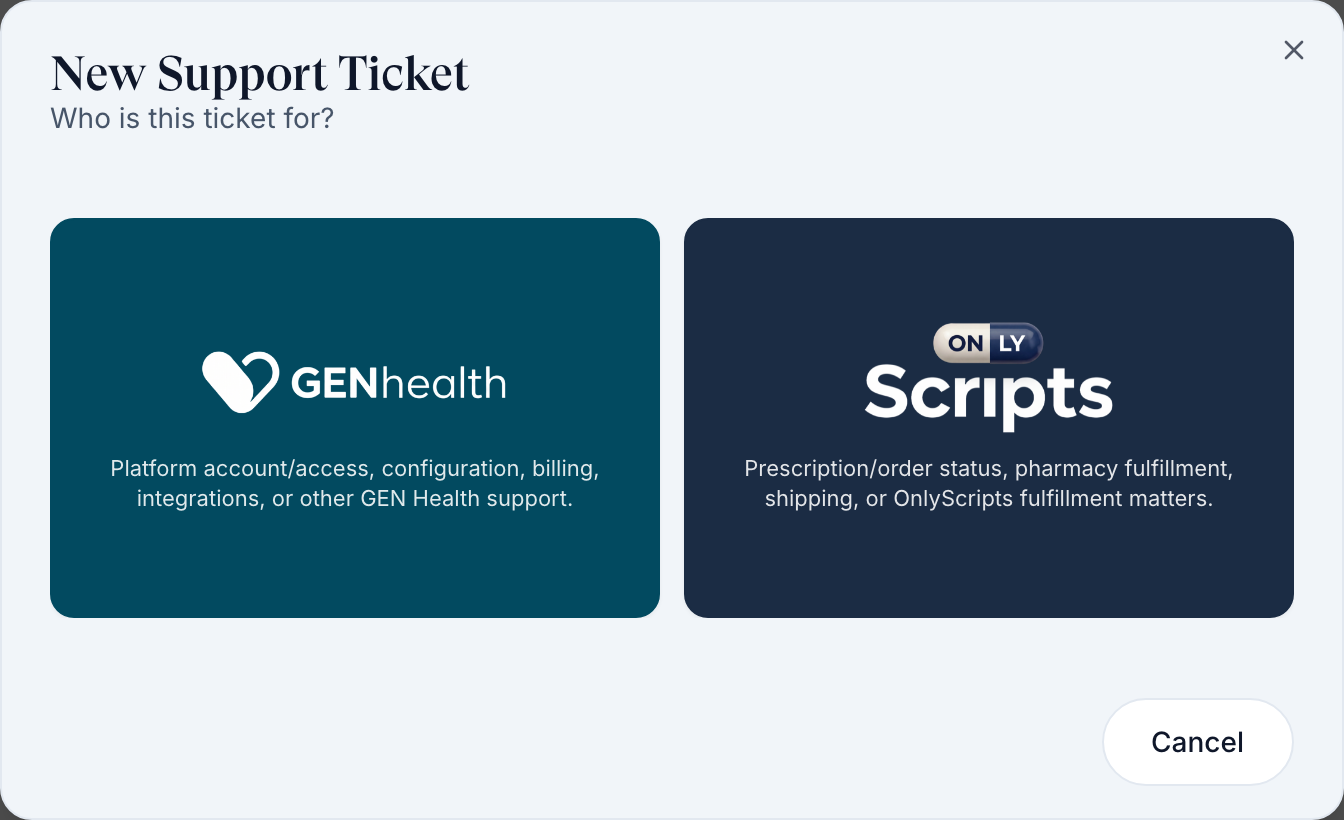
Left menu → Support → Create Support Ticket.
Pick who it's for
Click the GEN Health card or the OnlyScripts card, then describe the problem.
| Who | Owns | Where to ask |
|---|---|---|
| Your network | Providers, licences, protocols, forms, visit fees, go-live approval, prescribing | Your team |
| The client | Patients, storefront, prices, branding, patient payments | Their tickets reach you in Support → Incoming Requests |
| The pharmacy | Filling, shipping, tracking, pharmacy pricing | Support → OnlyScripts |
| GEN Health | The platform, client links, integrations, access, bugs | Support → GEN Health |
You'll know it worked when the ticket shows under Your Support Tickets.
Who can do this: Provider Network Admin, Provider and Provider Delegate.
What can go wrong
| What you see | Why | Fix |
|---|---|---|
| A client says a paid patient hasn't been seen | A gate hasn't cleared, or nobody claimed the review | Search All Visits; no row means the order is waiting in Orders. |
| No Configuration card on a client | You're an additional network for that client | Ask the primary network, or GEN Health in Support. |
| A client asks GEN Health to "turn off sandbox" | Go-live is your network's approval | Their Client Admin clicks Request go-live; you approve it. |
Questions people ask
Are your clinicians available 24/7? Can a patient book tonight?
Only inside your network hours and a provider's availability (Settings — Network overview). Async reviews can be submitted any time.
Who creates a provider network, and can I create another?
GEN Health creates networks. You create clients from Clients and invite your team.
What turnaround can we quote a client?
Your own. Measure it in Reports → Demand & turnaround, per client.
Related
Was this helpful?